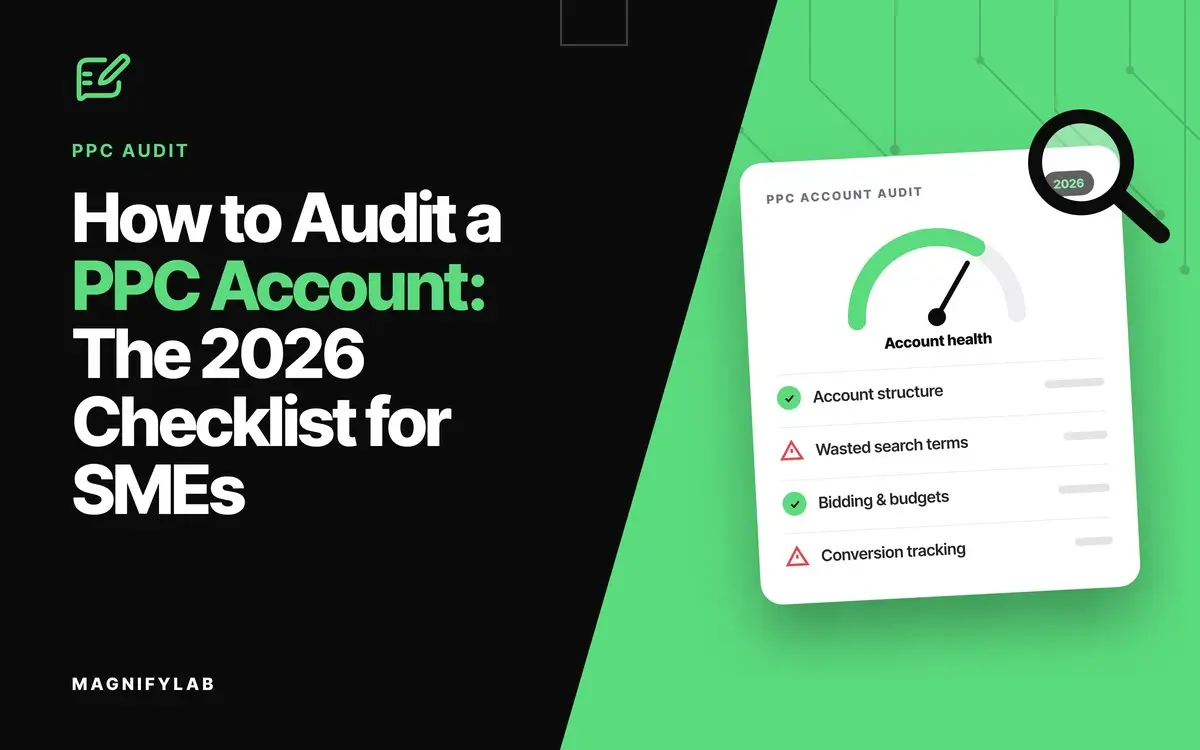
A PPC audit is a structured review of your Google Ads and Microsoft Ads accounts that shows where budget is wasted, which campaigns produce enquiries, and which settings hold performance back. For an SME, a good audit ends with a short list of fixes ranked by how much money each one saves or makes.
Most PPC audit checklists are written for ecommerce brands with product feeds and thousands of sales. Lead generation is different. You need to know whether the enquiries are real, whether they become clients, and whether Google’s automation is learning from the right signals.
This PPC audit checklist is built for law firms, accountants, financial services firms, private investigators and other service businesses. We have managed paid search for over 20 years, mostly for professional services firms, and these are the checks we run on every account we take on.
- Fix tracking first. If conversions are wrong, every other finding is built on bad data.
- Judge on qualified leads, not form fills. Import what happens after the enquiry.
- Find the waste. Search terms, locations and schedules are where most SME budgets leak.
- Check what Google changed in 2026. AI Max and Demand Gen change settings you may not have touched.
What is a PPC audit?
A PPC audit is a review of how your paid search budget is spent, what it returns, and what to change. The output is a ranked list of findings with evidence, not a score out of 100.
An audit covers tracking, account structure, bidding, keywords, ads, wasted spend and landing pages. You can run one yourself with the checklist below, or ask an agency to run it for you.
Why do lead generation accounts need a different PPC audit?
Lead generation accounts sell a conversation, not a product. The sale happens later, offline, often weeks after the click. That changes what an audit has to check.
- Low volume. An accountant may get 30 enquiries a month, not 3,000 sales. Each bad lead distorts the data.
- Offline outcomes. The real result (a signed client) happens in your CRM or on the phone, not on the website.
- Calls matter. Many professional services clients phone rather than complete a form, especially on urgent matters.
- Regulation. Solicitors answer to the SRA, and financial services firms to the FCA’s rule that promotions must be fair, clear and not misleading. Automated ad copy has to stay inside those lines.
What changed in Google Ads in 2026?
Three Google changes announced in 2026 affect most SME accounts:
| Change | Timing | What to check |
| DSA and broad match move to AI Max | Broad match from Sept 2026, DSA from Feb 2027 | AI Max settings and generated ad text |
| Display moves to Demand Gen | Migration tool from June 2026 | Display remarketing campaigns |
| API offline uploads move to Data Manager API | From 15 June 2026 | CRM imports still reach Google Ads |
Sources: Google, 2026, Google Ads Help and Google Ads Help.
The PPC audit checklist for SMEs (2026)
Work through the sections in order. Tracking comes straight after setup, because every later check depends on it.
-
Before you start
Set the frame so the findings mean something.
- Use a 90 day window. Long enough to smooth out weekly noise. Note any holidays, outages or budget changes inside it.
- Set a target cost per lead from client value. If an employment matter brings in £20,000 in fees, spending £3,000 to win that client is profitable. Work back from what a client is worth, not last year’s cost per lead.
- Confirm access. You need Google Ads, GA4 and Microsoft Ads access, plus sight of the CRM or lead sheet.
- Record a baseline. Spend, leads, cost per lead and qualified leads, before you change anything.
-
Conversion tracking
This is where most SME audits find their biggest problem.
- One primary conversion per goal. Page views, scroll depth and button clicks should be secondary, not used for bidding.
- No duplicates. Check that a form submission is not counted twice by Google Ads and an imported GA4 goal.
- Calls tracked. Track calls from ads and from the website, with a minimum call length that filters out wrong numbers.
- Enhanced conversions for leads. Capture hashed form data so Google can match leads back to ad clicks.
- Offline outcomes imported. Send qualified leads and signed clients back into Google Ads, so bidding learns which searches turn into revenue.
-
Account structure
- Brand separate from non brand. Brand searches convert cheaply and flatter blended results.
- One campaign per service line. A firm offering tax, payroll and audit needs a campaign for each, with its own budget and landing page.
- Consolidate thin campaigns. Campaigns with only a handful of conversions a month starve automated bidding of data.
- Clear naming. Anyone opening the account should know what each campaign does.
-
Budget and bidding
- Impression share lost to budget. If your best campaign loses impression share to budget, move money there from weaker ones.
- Bid strategy matches volume. Target cost per acquisition needs steady conversion volume. Below that, maximise conversions or manual control often performs better.
- Targets set from value. Use the cost per lead target from section 1, not whatever the account happened to deliver.
- Small changes only. Move targets in small steps and wait a full conversion cycle before the next change.
-
Keywords and search terms
- Weekly search term review. New waste appears every week, so this is a habit, not a setup task.
- Match types chosen on purpose. Start with exact and phrase. We introduce broad match only with at least 20 conversions a month and deep negative keyword coverage.
- Sector negatives in place. “Jobs”, “careers”, “salary”, “training”, “course”, “free” and “DIY” cover most service businesses. Add your own: “accountancy courses”, “how to become a private investigator”, “legal aid” if you do not offer it.
- No duplicate keywords. The same keyword in two campaigns means you compete with yourself.
- Quality Score as a diagnostic. Use it to find weak ads or landing pages, not as a target in itself.
-
Ads, assets and AI Max
- Distinct ad headlines. Responsive search ads need headlines that say different things, not 15 versions of one claim.
- Full asset set. Sitelinks, callouts, call assets and location assets on every relevant campaign.
- AI Max settings reviewed. Check what text customisation and final URL expansion are writing and where they send people.
- Compliance check on generated text. Read automatically created headlines against SRA or FCA rules before they run. Remove any claim you could not stand behind.
-
Wasted spend
- No conversions in 90 days. Pause or fix keywords and search terms that have spent and returned nothing.
- Search partners and Display. Check whether these networks produce leads or just clicks.
- Location settings. Target people in your area, not people “interested in” it. A London firm does not want clicks from abroad.
- Ad schedule. Run ads when someone can answer the phone, or make sure the form works out of hours.
Small leaks cost more than they look. At our highest average legal CPC of £98.67, ten irrelevant clicks a week is £986.70 gone, every week.
-
Landing pages
- One page per service. Send “tax investigation accountant” traffic to a tax investigation page, not the homepage.
- Mobile speed. Test your top landing pages on a phone. A slow page wastes a click you have already paid for.
- Message match. The page should repeat the promise the ad made.
- Conversion path tested. Submit the form and call the number. Confirm the lead arrives and the conversion fires once.
-
Microsoft Ads
- Import checked. If you import campaigns from Google, review what changed after each import.
- UET tag firing. Microsoft needs its own tracking tag and conversion goals.
How often should you audit a PPC account?
Run the full checklist once a quarter, with lighter checks in between:
| Frequency | What to check |
| Weekly | Search terms, budget caps, disapproved ads, spend pacing |
| Monthly | Cost per qualified lead against target, wasted spend, ad performance |
| Quarterly | The full checklist, including a fresh test of tracking |
Which PPC audit mistakes do SMEs make most often?
The same five patterns come up in almost every audit we run:
- Bidding on the wrong conversion. Telling Google to chase form fills when half of them are spam.
- Ignoring calls. Phone leads go unmeasured, so the best campaigns look weak.
- Never closing the loop. No offline import, so Google cannot tell a client from a time waster.
- Accepting defaults. Search partners, Display and broad match left on because they came switched on.
- Auditing once. A single audit fixes today’s problems. Waste returns without a routine.
PPC audit FAQs
What does a PPC audit include?
Conversion tracking, account structure, budgets and bidding, keywords and search terms, ads, wasted spend and landing pages. For lead generation, it should also check call tracking and offline conversion imports.
How long does a PPC audit take?
A first full audit of an SME account takes a day or more by hand. Later quarterly audits are quicker once tracking is sound.
Is a free PPC audit worth it?
It can be, if it is specific. A useful audit names the keywords, settings and pages to change, with the evidence behind each one.
Does this checklist apply to Microsoft Ads?
Most of it does. AI Max, Demand Gen and enhanced conversions for leads are Google only, but every other check applies, plus a review of anything imported from Google Ads and a check that the UET tag fires.
What makes a PPC audit different for regulated sectors?
Ad copy and landing pages need a compliance check. Solicitors work to SRA rules, and financial services firms to FCA rules on financial promotions, including any text Google writes automatically.
Get a PPC audit that shows you the numbers
If you want this checklist run against your live account, our PPC management team will audit it and show you exactly where budget is being wasted and what to change first.
If you are not running ads yet, we will build the business case: projected CPCs for your sector and location, realistic lead costs, and the monthly budget it takes to compete.
Call our PPC team on 020 7205 2755 or complete the enquiry form.